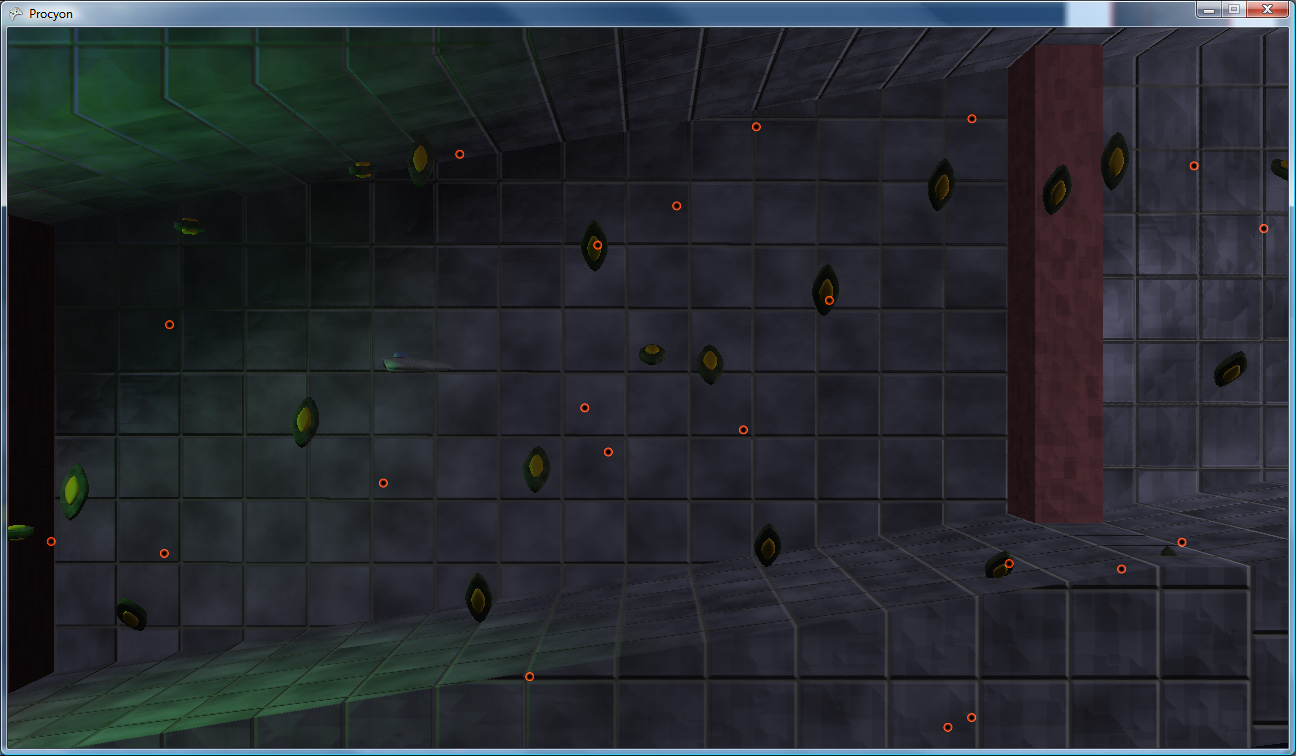
I have been hard at work on my game (in my ridiculously limited spare time) for the last month and a half. One major hurdle that I’ve had to overcome was collision detection code. Specifically, my collision detection performed great on my PC, but when running it on the Xbox 360, everything would slow to a crawl (in certain situations).
The types of collision detection I have to deal with are varied, due to the weird way that I handle certain classes of obstacle (like walls):
- Player bullets vs. Enemy – Player bullets are, for simplicity, treated as spheres, so sphere/mesh testing works here.
- Enemy bullets vs. Player – Same as above.
- Player vs. Wall – Because the game’s playing field is 2D, the walls in-game are treated as 2D polygons, so it boils down to a 2D mesh vs. polygon test.
- Player vs. Enemy – Mesh vs. Mesh here
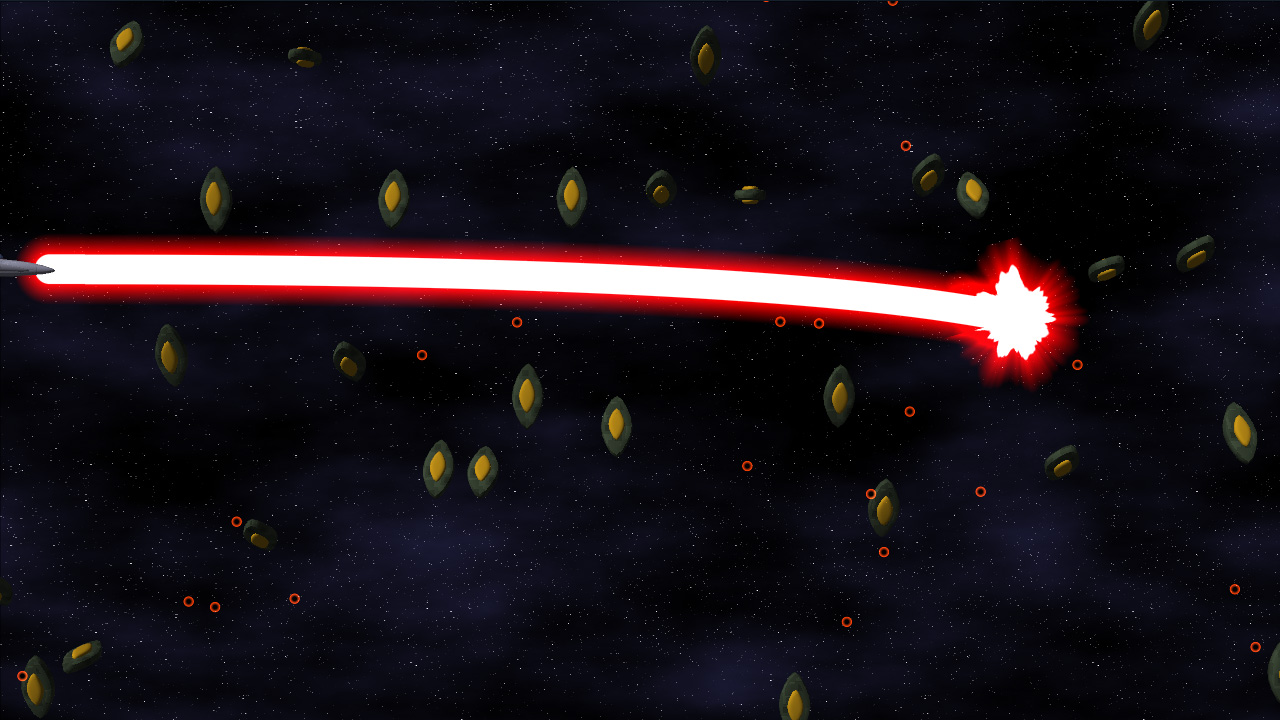
- Beam vs. Enemy – The player has a bendy beam weapon. I divide the curved beam up into line segments, and do ray/mesh tests.
The worst performance offender was, surprisingly, the sphere vs. mesh test, which will be the subject of this article. Before optimizing, when I’d shoot a ton of bullets in a certain set of circumstances, the framerate would drop well into the single digits, because the bullet vs. mesh (sphere vs. mesh) collision couldn’t keep up. Here are the things that I changed to get this test working much, much faster.
For those of you not using Direct3D 9 or XNA, you can safely ignore this post (OpenGL and Direct3D 10 are immune to this particular oddity). However, if you are, it’s likely that you’ve had to deal with the dreaded half-texel offset. Today, after I don’t know how many years of using Direct3D, I came to realize that I really didn’t understand what the source of the issue was. Now that I’ve sort of gotten a handle on it, I figured I’d post it to my super new journal. Consider it a test run.
Coordinate Spaces
The first thing to note is the basic coordinate space. I’m going to be referring to texture space and clip space a lot, so I thought I’d just do a quick refresher here on what I mean (mostly to make sure you’re thinking with the same terminology that I’m using).
- Clip space – the post-projection half-cube of space where X,Y in [-1..1] and Z in [0..1]
- X = -1 is the far left edge of the screen
- X = 1 is the far right edge
- Y = -1 is the bottom edge
- Y = 1 is the top
- Z = 0 is near (the near plane)
- Z = 1 is far (the far plane)
- Texture space – the area where u,v in [0..1] on a texture map making up a single end-to-end repeat of the texture.
- 0,0 represents the upper-left coordinate on the texture
- 1,1 is the lower-right.
I’m slowly combining my two journal spaces – one of which I barely used (formerly drilsej.com, which now just redirects here), and one of which I slightly-more-than-barely used (my gamedev.net dev journal, on which I will likely still mirror any game development-specific postings). This is all funnelling into a brand new domain, drilian.com. This very site!
There are a few reasons for this:
- While I really like posting on gamedev.net and its journal space, there are some things I really dislike about it (for instance, when I stop posting for 6 months, my dev journal becomes an empty desert wasteland, which can be considered annoying. Who wants to visit a blog frontpage and see no posts?).
- I never really used my main webpage (that I’ve had for 10 years now) for anything except occasionally posting projects that I’ve worked on. I’ve merged that stuff onto this page – it’s all now in the same place as my journal.
- Not that I post a lot of personal information (for instance, my wife constantly laments that there are no mentions of her on any of my webpages – and hey, now there is!), but I always felt a little weird posting non-development posts on gamedev’s journal space. Now I can generally post whatever I feel like posting and not feel all weirded out.
Likely there are other reasons I’m not thinking of, but that’s okay.
I’m certainly not going to promise updates of any frequency, sadly, as my work (and, I’ll be honest, gaming) schedule has prevented me from doing a whole lot of spare-time development recently (where recently is somewhere in the 6-month range. Note that the previous post is from MAY). However, I am going to (slightly) formalize my post format a bit. Mostly, I’m going to start using article titles that actually reflect the post subject instead of a hideous mass of puns. This all comes complete with my “no trans fats” guarantee.
Hopefully, for those of you who have read my gamedev.net journal, and for those who watched drilsej.com (did anyone?), and for those who are new, you’ll all find something of interest here. And hopefully I’ll have interesting stuff to post for the forseeable future!
Welcome to drilian.com. Enjoy!
Okay, I’m back! Sorry for the delay, my job got super-crazy there for a month or so. It hasn’t really let up too much, but it’s enough that I was able to get a little bit done. However, nothing really to show for it, I’m afraid.
But, I do have SOMETHING interesting: a look into the HUD design process. This work was done almost a month ago, but I haven’t had time to even sit down and write this entry until now.
Necessary elements
There are a few elements that are necessary on the in-game HUD:
- Player name – Especially important in two-player mode, having both players’ names on-screen will help to differentiate which statistics belong to which player
- Lives – Also very important is the number of lives that a player has.
- Score – Points. Very important.
- Weapon Charge – You’ll acquire weapons charge throughout the course of the game, which you’ll be able to spend to temporarily upgrade your weapons. This meter will show you how much charge you have. I chose to represent this with a blue bar.
- Secret Charge – I’m not quite ready to divulge this little gem, but this meter only fills up when the blue (weapon charge) meter is completely full. I chose yellow for this one.
(Mockups of the design process below the fold)
This previous weekend, I was able to accomplish another major milestone in game development: The Scrolling Background (TM) (C) (R) (BBQ).
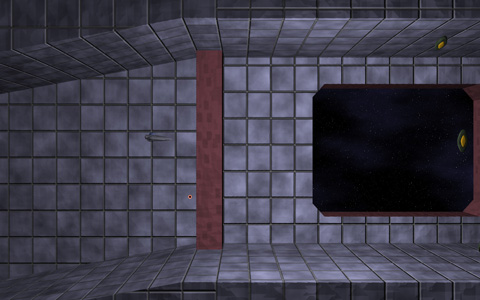
Click to enlarge
Here it is: another late-week journal update that pretty much chronicles my weekend accomplishments, only later.
But First, Beams!
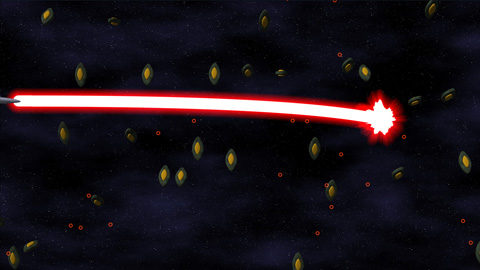
First up, here’s a preview of the powered-up version of the final main weapon for the project:
Click to enlarge
The beam itself actually locks on to targets and continually damages them. Implementation-wise, it’s a quadratic bezier. Initially, I tried to calculate the intersection of a quadratic-bezier-swept sphere (i.e. a thick bezier curve) and a bounding sphere exactly. That’s all great, only it becomes a quartic equation (ax^4 + bx^3 + cx^2 + dx + e == 0), which is ridiculously difficult to compute programmatically (just check the javascript source on this page to see what I mean). So I opted for another solution:
I divided the curve up into a bunch of line segments, treated those segments as sphere-capped cylinders (capsules), and did much simpler intersection tests. PROBLEM SOLVED!
When Is Deferred Shading Not Deferred Shading?
I also implemented Light Pre-Pass Rendering, which is sort of a “Low-Calorie Deferred Shading” that Wolfgang Engel devised recently. Considering my original plan for lighting was to only allow right around 3 lights on-screen at a time, this gives me a much greater range of functionality. It’s a three-step process, as illustrated below.