So, I’ve been working on the Intangibles. Otherwise known as the Unscreenshottables. Those things that improve the innards of the whole system, but you can’t really show off.
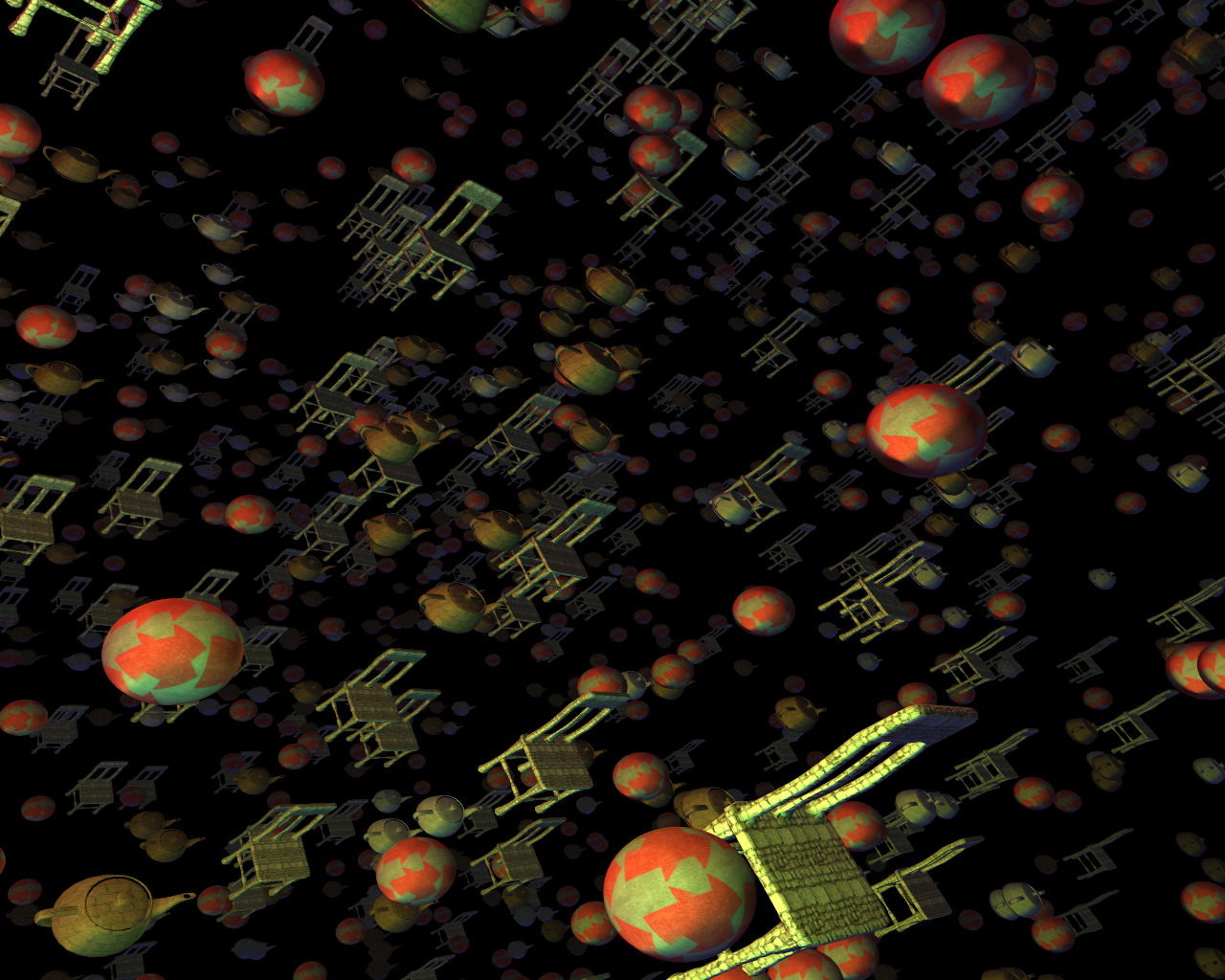
But first! A screenshot of something (to prove that my renderer can display more than just chairs):
Click to enlarge
One goal of this whole thing is that absolutely NO game logic will exist within the main EXE. It will all be loaded from script files (and eventually managed code assemblies).
I’ve gotten that up and running. The “scripting language” that I’m using is, in fact, C#. Basically, a script is an entity in the world, or an event, or any number of other things. They all derive from the IScript interface, which really requires three functions be implemented: OnCreate, OnTick, and OnKill.
I’ve exposed certain things to the scripting, like the math functions (vectors, matrices, quaternions), Camera control, texture/model loading, etc. There’s no direct access to the renderer, it’s all through the world data. You add objects into the world (which is setup by the main script), and it handles the rest.
I’m trying to make it as simple as possible.
Here is a sample script (for the rotating chairs that you have seen in videos past):
using System;
using Cubic.Scripting;
using Cubic.Math;

class RotatingObject : IScript
{
  IGameRenderable renderable;

  float angle;
  float rotSpeed;
  Vec3 position;
  static Random ran = new System.Random(190329);
  IScriptHelper helper;
  const float objectRange = 400.0f;

  public RotatingObject()
  {
  }

  public void OnCreate(IScriptHelper helper)
  {
    this.helper = helper;

    string[] filenames = new string[]
    {
      "ChairModel.xml",
      "ChairModel2.xml",
      "ChairModel3.xml",
      "ChairModel4.xml",
    };

    // Randomly pick a filename from the list
    string filename = filenames[ran.Next(filenames.Length)];
    angle = 0;

    // Choose a rotation speed
    rotSpeed = ((float)ran.NextDouble())*0.006f + 0.002f;
    if((ran.Next()&1) == 0)
      rotSpeed = -rotSpeed;

    // Random position in a cube
    position = new Vec3(((float)ran.NextDouble() * objectRange) - objectRange*0.5f,
                        ((float)ran.NextDouble() * objectRange) - objectRange*0.5f,
                        ((float)ran.NextDouble() * objectRange) - objectRange*0.5f);

    // Load the file (the true means to load synchronously, instead of caching the load for later)
    renderable = helper.CreateRenderable(filename, true);
    renderable.Position = Matrix.Translation(position);

    // Add it to the world (static update - which means it can move in place as long as
    // the bounding volume is sized big enough to cover the object's entire range of
    // motion
    helper.AddToWorld(renderable, ObjectUpdateType.Static);
  }

  public void OnTick()
  {
    // Rotate, and update the position matrix.
    angle -= rotSpeed * 5.0f*3.0f;
    renderable.Position = Matrix.RotationAxis(Vec3.Normalize(new Vec3(1, 1, 0)), angle)* Matrix.Translation(position);
  }

  public void OnKill()
  {
    helper.RemoveFromWorld(renderable);
  }
}
All-in-all, not terribly complex. It doesn’t have to deal with the renderer, or any major craziness. It just loads its object, adds it to the world, and goes about its thing.
There’s also a main script, which handles the initialization of the entire system (its filename is hardcoded into the exe – it is really about the only hardcoded thing in the system). Also, type scripts: these are scripts which are used as references by the other scripts, so the scripter can define custom types that can be used throughout the system.
There is currently no sound or network code, but graphics and input are working (well enough for now, anyway).
I still need to add actual mouse pointer support (instead of just mouse deltas), and I want to set up a menuing system, and then I’m going to work on scripting a little card game (which I will, sadly, not be able to distribute because it will be based off of an actual for-sale game, in this case Cheapass Games’ Cube Farm).
It should prove a nice little test of a simple game.
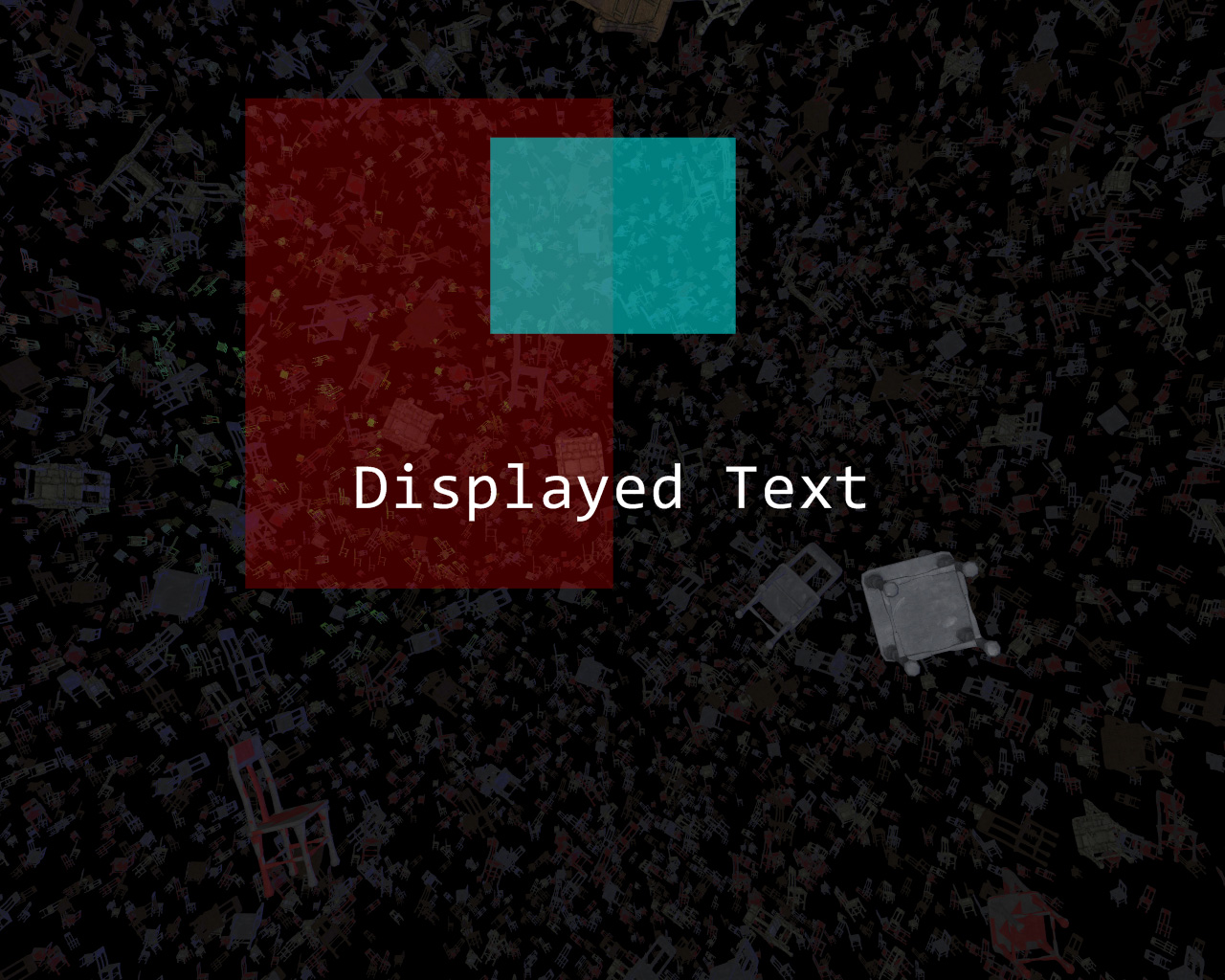
Also, I’ve been working on text and UI display, some elements of which I have working:
Click to enlarge
Yes, that screenshot is back to all-chairs. Chairs are a classic!
But enough talk. HAVE AT YOU!
I got bored and made a video of the chair demo. Why not? 😀
So here it is:
And, if you prefer to watch it in non-youtube-uglyvision, you can get a higher quality (6mb) WMV here:
So. Much. Chair. (I suggest you download rather than try to stream, it’ll go faster)
Yeah, this journal does not get updated nearly as frequently as I’d like, but I’ve been working on a new basis for a few new games that I’d like to try and make (one of which is actually my old 3D racing game). In the meantime, I’ve been working on the backend of the whole thing, including the task management system (to take full advantage of multicore systems) and the renderer. Hopefully within a month I’ll be started on the Super Awesome Scripty System (TM) and the Ultra Mega Material Creation Tool (C).
In the meantime, I thought I’d share a screenshot from the stress test of the renderer. It was intended to test the culling system, to see how effective (and fast) it is, and the results are very promising.
It is the stuff of dreams, and the stuff of nightmares.
This….is…..CHAIRTOWN:

Click to enlarge
Anyway, enjoy! Hopefully I’ll have some more interesting screenshots in the near future (though history certainly says otherwise).
WOO!
(2024 blog port note: this was once a link to Mop of Destiny winning first place in the gamedev.net 4e5 competition, but alas that page has long since vanished)
For those who missed it:
Mop of Destiny Soundtrack MP3s!
On Power Outages (And Other Weird Things)
They suck. Our power was out for 9 days. For someone as hopelessly addicted to the Internet as I, it was like not having legs. Legs that could span the globe in an instant. Or at least under a few seconds.
The power came back on, predictably, about 2 hours after we had left for the airport to go home to Indianapolis for the holidays.
Thus, the tally of weird things that have happened in the 6 months since I’ve moved to Seattle area and started work at Microsoft is:
- My car (Which already had $3800 in hail damage) has been involved in 3 accidents, 2 of which were definitely not my fault and the third of which I can make a pretty good case for
- Approached by a guy with a knife near Pike Place Market. He didn’t threaten me with it, he just wanted to sell it to me for $5.
- Almost punched by an angry chauffeur in a stupid-looking suit at the Sea-Tac airport because I had the absolute audacity to try to help him out and tell him that the name on his little sign wasn’t visible.
- There have been floods and even a (mild, for Indiana) snow storm
- 9-day power outage
Life: Always entertaining.
Mop of Destiny: Last Words on Code Development
For the three (at most) of you that’s actually been waiting for the remainder of the info on Mop’s development history:
After getting the gameplay test done, I got around to actually loading level data. I ended up using TinyXML to load level data from an XML file.
Side note: Initially, each level was going to have a separate XML file, but that kinda got scrapped somewhere along the line. That’s why there’s 1 xml file named level1.xml in the game directory.
After that, I added fonts. I used a 3D modeler to make a 2D poly set of font characters, and then wrote a font loader to load them in and separate them out.
Essentially, the font interface allows you to request a string, where it then builds a vertex/index buffer set (a mesh) and hands that back. Simple and easy. And still no textures.
After that, it was adding animation code (simple: just different meshes for different frames of animation), the life meter (using a custom vertex shader to bend the meter partially around a circle), enemies, the knockback from getting hit, mesh-based instead of bounding-box-based collision, post process effects, ogg streaming, and spawners and enemy types.
At this point, I made a decision that would drastically alter my timetable, though I didn’t know it at the time:
I decided to make the enemy artwork while making the enemies.
The trick to this is that, in my initial plan, enemies were going to be coded as just boxes and the art would be added later. Not long into this process, I realized that having boxes was a terrible representation of the enemy, so I started doing the art, as well.
The enemy art was the second-hardest art-making process in the game (first being creating the main character). I had chosen shadow creatures partly to hide my own general inability to draw very well…with shadows I could simply draw an outline and some red eyes. However, it quickly became apparent that it was hard to create any INTERESTING shapes out of just outlines and red eyes.
Thankfully, I was able to do so. While I tried to keep to my inital development timeline, I didn’t really notice that I had moved alot of the art process into the “coding” block of schedule. Which meant that the schedule once I hit the “Art” portion was considerably lighter. Though I didn’t know it at the time.
Extra, Extra! Gameplay Complete! Game Still Ugly!
At last, I finished coding the bosses (which were the last enemies to be coded) and had the levels laid out (using solid blocks as backgrounds). The enemies looked cool, but the game looked ugly. A before-and-after, if you will:

VS
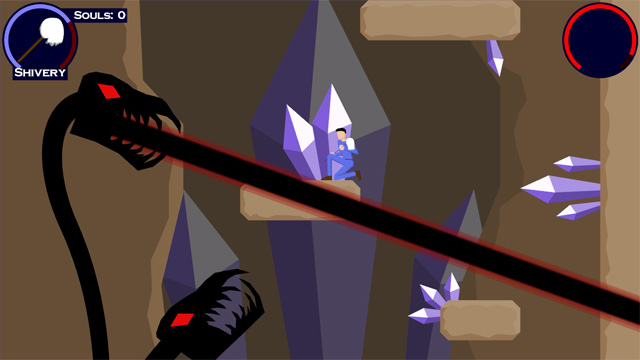
Click to enlarge
So I sent it out to a bunch of playtesters, none of which were particularly enthused about the game because of its inherent blockiness. Oh well. One person (thank you, PfhorSlayer!) played through the entire game, as punishing as it was at the time (you think it’s hard NOW? You should have seen it then).
Anyway, I did a bunch of tweaks, and started on the background art. That pretty much catches up to the journal-at-present.
From that point on, it was art, scripting, music, sound effects, voice, credits, the manual, some bug fixes, the installer, and a last-minute save state feature addition. All in the span of 14 days. It was, as they say, a whirlwind.
I’m really happy with the music. Excluding the first 2 pieces (Piano of Destiny and Theme of Destiny), which I spent a few days on (Because I had the melody in my head for so long, and I wanted to do it justice), the remaining music was done in two day’s time.
I used FL Studio as my editor of choice, using a bunch of sample libraries, notably Vienna Instruments.
Anyway, I plan on doing a full-on post-mortem as my next journal post.
In the meantime, TO THE XBOX 360!
So I’ve been wanting to post more details about Mop of Destiny‘s development, as well as a full-on postmortem of the game. However, I took a long break from it (I needed it), and when I was getting back into it, I lost power last Thursday in the Great Pacific Northwest Windstorm and Subsequent Ginormous Blackout Of 2006 and have had no power at home since (almost a full week now), so it’s been tricky to do this. I’m typing this on my computer at work.
I still plan on posting that information, but in the mean time, I have a really crappy page set up with soundtrack MP3s from the game, ordered as I would have them if they were on a true soundtrack CD. You can nab them at:
http://mopofdestiny.com/ost/.
Also, there’s an updated EXE of Mop of destiny at http://mopofdestiny.com/MopInstall.exe that fixes an issue with Intel integrated cards that support hardware pixel shaders but not vertex shaders.
Enjoy! I shall return with light, triumphantly. Eventually.
PS – I’m in the planning stages of porting the game to XNA, so that it will eventually be playable on the Xbox 360. Woo!